What makes a reminder persistent?
It comes back by itself, it survives a swipe, it calls in others if you do not answer, and it ends only when someone taps Done or Skip this time.
A persistent reminder is one that survives being ignored. It returns on its own, and it ends only when someone answers. Time passing does not count as an answer.
Four things. It returns by itself. It does not stop because you swiped it. It tells someone else if you do not answer. And it ends only on Done or Skip this time. Take any one away and it is an ordinary reminder.
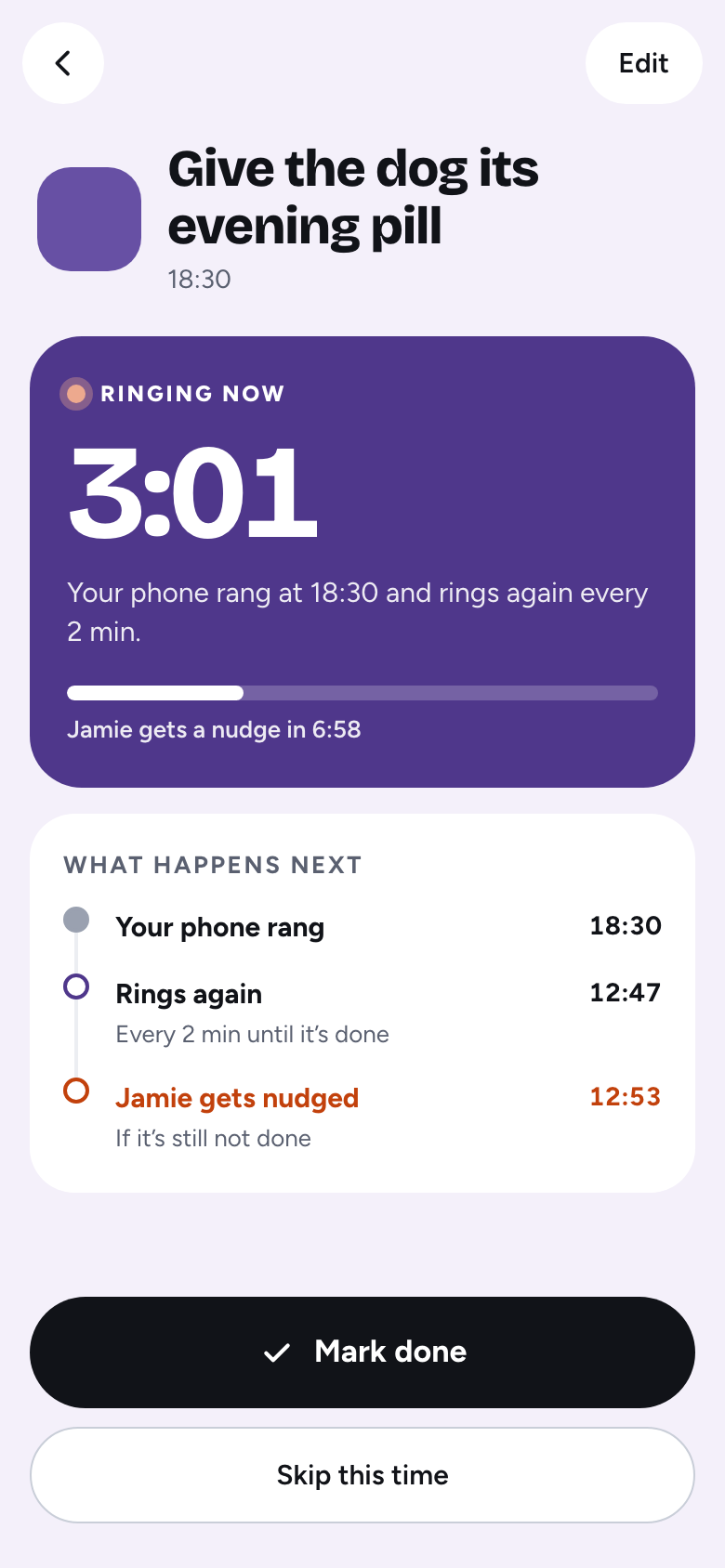
The alarm rings again every 2 minutes by default. You can choose 5 or 10 minutes for a calmer job. It keeps going for up to 30 minutes. After that, that time is marked missed and everyone who has joined gets an email.
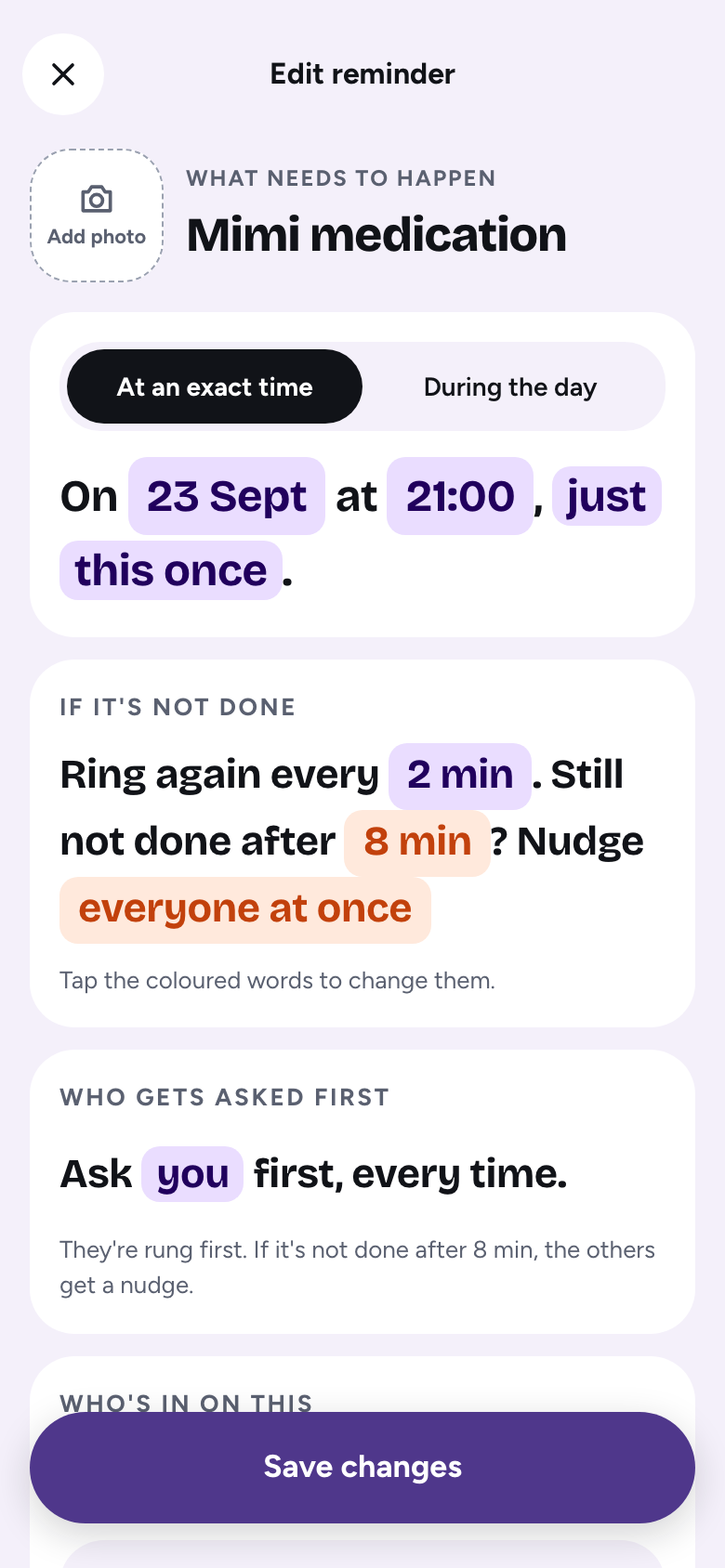
You choose who goes first: the same person each time, people in turns, whoever usually finishes first, or a different person each day. The first person’s alarm is set on their own phone, so it rings even without a signal.
If the first person has not finished, the others are alerted after a grace window of 6 to 20 minutes, depending on how often it rings. They are alerted again halfway through, and once more just before the 30 minutes are up. The first person’s alarm keeps ringing meanwhile. Nobody can pull the others in early, which keeps the nag fair.
Doing it now tells the alarm you have started. It rings again after your ring interval, so you cannot start and forget. Done closes it for everyone. You choose which one is the big button in the menu, under Biggest button when a reminder rings. Doing it now is the default.
Tap Done on the alarm, on the home-screen widget, in the app, or on the It’s done button in a nudge or missed email. Or choose Skip this time when you really cannot. If you tap Done by mistake, you can undo it on Today for 30 minutes.

It is not a medical device, and a missed alert can still happen. Do not use it as the only reminder where a miss could cause harm.
It comes back by itself, it survives a swipe, it calls in others if you do not answer, and it ends only when someone taps Done or Skip this time.
It is capped. The alarm runs for at most 30 minutes per time, then stops and becomes “missed”. Only the first person hears it on their own, and the rest are called in only when the first person has not finished.
Every 2 minutes by default, or every 5 or 10 minutes if you choose.
Yes. Skip this time closes that one time without counting it as done, and the log records who skipped it.
Ok Donkey is free, with no adverts and no tracking. Set one reminder, share it with one person, and see how it goes.
Ok Donkey is not a medical device and gives no medical advice. A missed alert can still happen. Do not use it as the only reminder where a miss could cause harm.